

Switching automated note-taking software often means compromising on privacy, meeting participation style, or integration support. Many tools either force you to add a meeting bot, limit free document downloads, or lack transparent enterprise-level pricing. This comparison shows which alternative matches your team's privacy preferences, workflow needs, and budget so you can avoid trial-and-error.
Table of Contents
VoiceMint
At a Glance
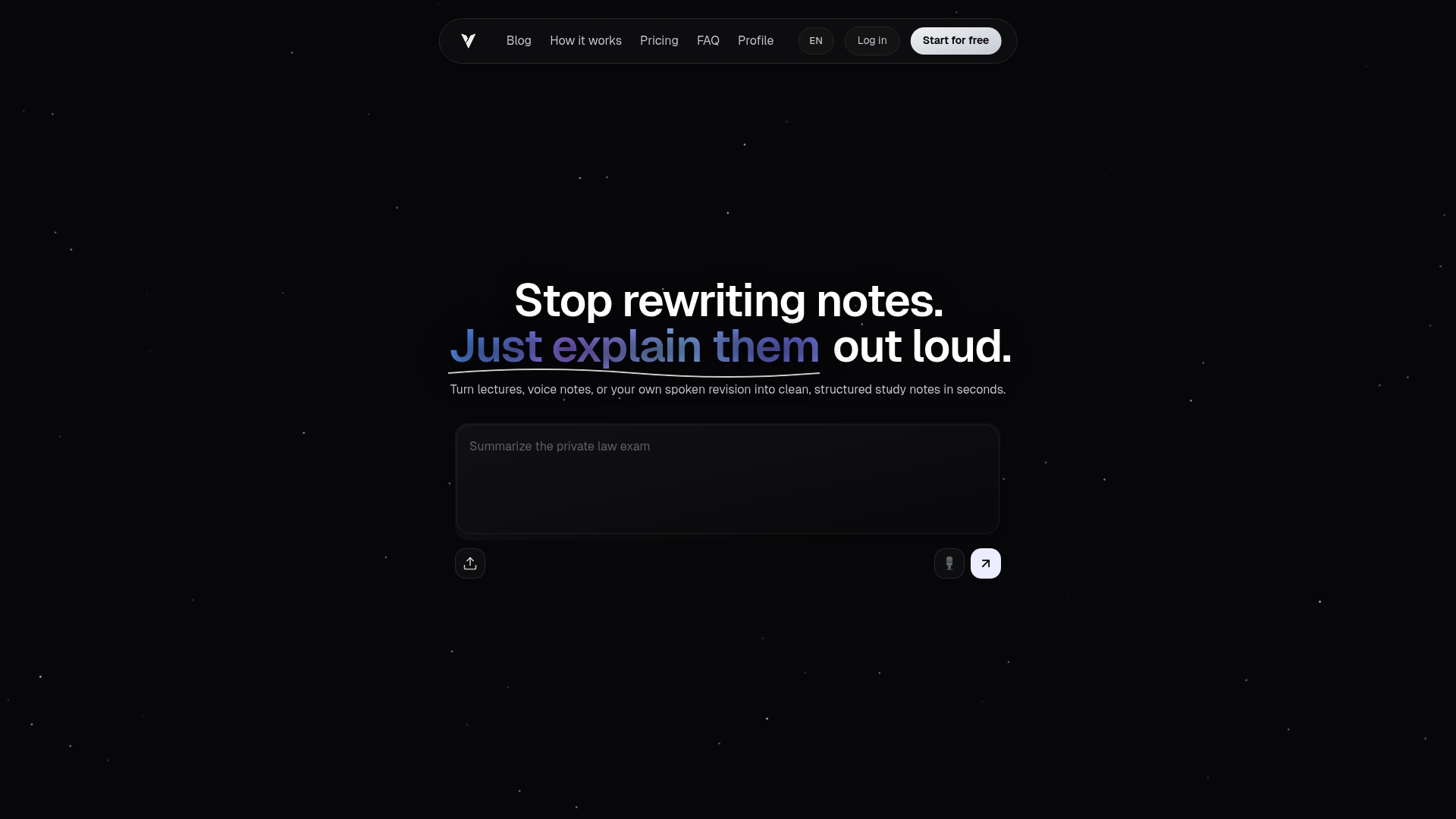
A single voice or text input becomes a ready-to-use study document without manual formatting. VoiceMint performs audio and text processing and organizes material into headings, bullet points, and summaries. Voicemint's marketing materials state documents are available for instant download.
Core Features
VoiceMint accepts both recorded audio and pasted text and then identifies key concepts for structured output. The system generates documents with headings, bullet lists, and short summaries you can download immediately. Multiple subscription tiers exist, from a free option to professional plans with expanded capabilities.
Key Differentiator
The core distinction is automatic conversion of speech and text into structured, ready-to-use documents using AI. That capability removes a separate formatting step and produces presentation or study material directly from raw notes. The workflow reduces repetitive editing when you need deliverable documents fast.
Pros
Automates organization so you spend less time formatting and more time studying or preparing presentations. It supports both audio and text inputs, which makes it useful for lecture capture, interview notes, and recorded brainstorming. The product lists customizable templates and branding as coming features, and it emphasizes user privacy and data security while offering instant downloadable output.
Cons
- Free plan limits documents and features compared with paid tiers.
Who It's For
Students who record lectures and want structured study guides without manual editing will benefit most. Content creators who need quick summaries of recordings and professionals preparing reports will also find the output useful. Consultants and marketers who produce frequent documentation can use the professional tier for higher volume.
Unique Value Proposition
According to the company, the professional tier includes unlimited documents and enhanced AI features, which reduces time spent managing versions and formatting. That tier suits people who produce many notes and need a single-step way to turn recordings into shareable files. The pricing model makes it possible to test the free tier and upgrade for heavier usage.
Real World Use Case
A student records a 60-minute lecture and uploads the file to VoiceMint. The service extracts main points, groups them under headings, and creates concise bullet summaries for each section. The student downloads the document and uses it as a ready study guide before exams.
Pricing
Voicemint offers Free, Starter, and Professional plans billed monthly. The free plan provides limited documents and core features for light use. Paid tiers unlock higher volume, enhanced AI features, and the company advertises additional capabilities for professional subscribers.
Website: https://voicemint.it
Otter.ai
At a Glance
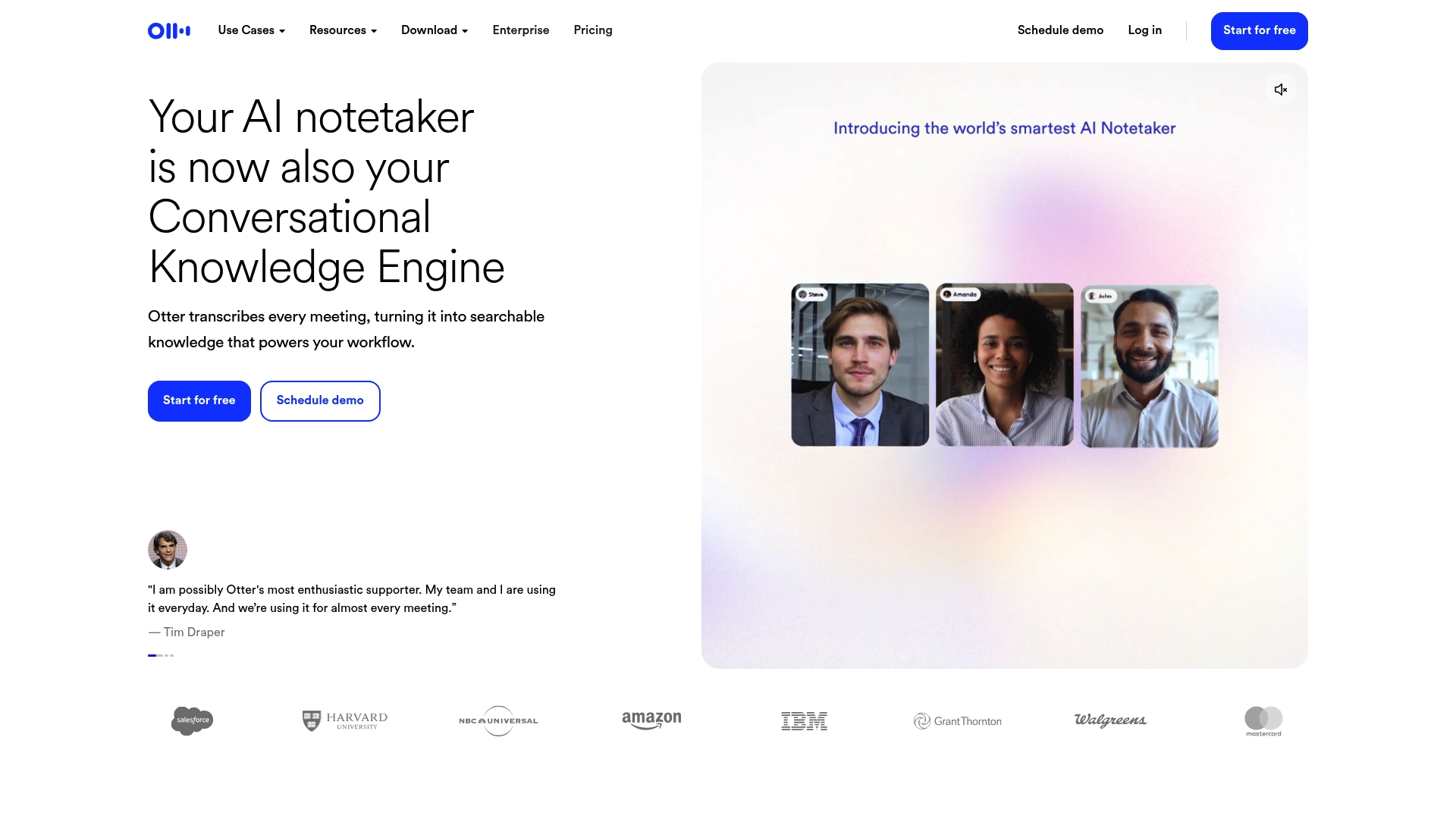
Multilingual live transcription with speaker recognition turns meetings into searchable notes in real time. The platform pairs those transcripts with automated summaries and workflow triggers for follow ups. That combination makes spoken conversations actionable across teams and platforms.
Core Features
Otter.ai delivers automated meeting transcription and searchable conversation archives that index speakers and timestamps. It generates concise summaries and extracts action items, and it connects those outputs to workflow automation and CRMs. Desktop, mobile, and browser clients let teams capture conversations from calls, lectures, and interviews.
Key Differentiator
The standout is the blend of transcription, concise summaries, and integrated workflow automation across many apps. That trio moves transcripts from passive records to inputs for task creation and CRM updates. For teams that need both accurate notes and automated follow ups, this is the defining capability.
Pros
Accuracy and summary quality receive consistent praise in reviews, so teams save time on manual note cleanup. The platform supports many productivity ecosystems and offers native connectors into calendars, conferencing, messaging, and CRM systems. Enterprise-grade controls and management tools let IT delegate access and enforce security for larger organizations.
Cons
- Pricing can be expensive for small teams or individual contributors, especially when advanced features require paid tiers.
- Free plans limit transcription minutes and impose restrictions on imported file transcriptions.
- Many key features depend on a stable internet connection and third-party integrations to run workflows.
When It May Not Fit
If you are a solo user on a tight budget, the recurring plan costs may outweigh the time saved. Teams that must transcribe long archived audio without paying may hit free tier limits. Organizations that require fully offline transcription will find this platform ill suited.
Notable Integrations
Otter.ai connects directly with major collaboration and CRM tools that teams already use. Key integrations include:
- Zoom
- Google Calendar
- Slack
- Salesforce
- HubSpot
- Dropbox
- Jira
- Notion
Who It's For
This product fits teams and organizations that record frequent meetings and need those conversations converted into tasks and CRM entries. Sales teams, educators, media producers, and HR groups benefit most from the transcription plus automation mix. IT and compliance teams will appreciate the enterprise controls.
Real World Use Case
A sales team records customer calls and uses Otter.ai to transcribe conversations and tag action items. The platform then pushes notes and lead attributes into Salesforce and queues follow up tasks. That process reduces manual logging and improves consistency in outreach.
Pricing
Plans range from a free tier for basic transcription to paid subscriptions and custom enterprise contracts. Advanced features like extended transcription minutes, larger file imports, and enterprise controls require paid plans or custom pricing. Exact tier details depend on the chosen plan and organization size.
Website: https://otter.ai
Granola
At a Glance
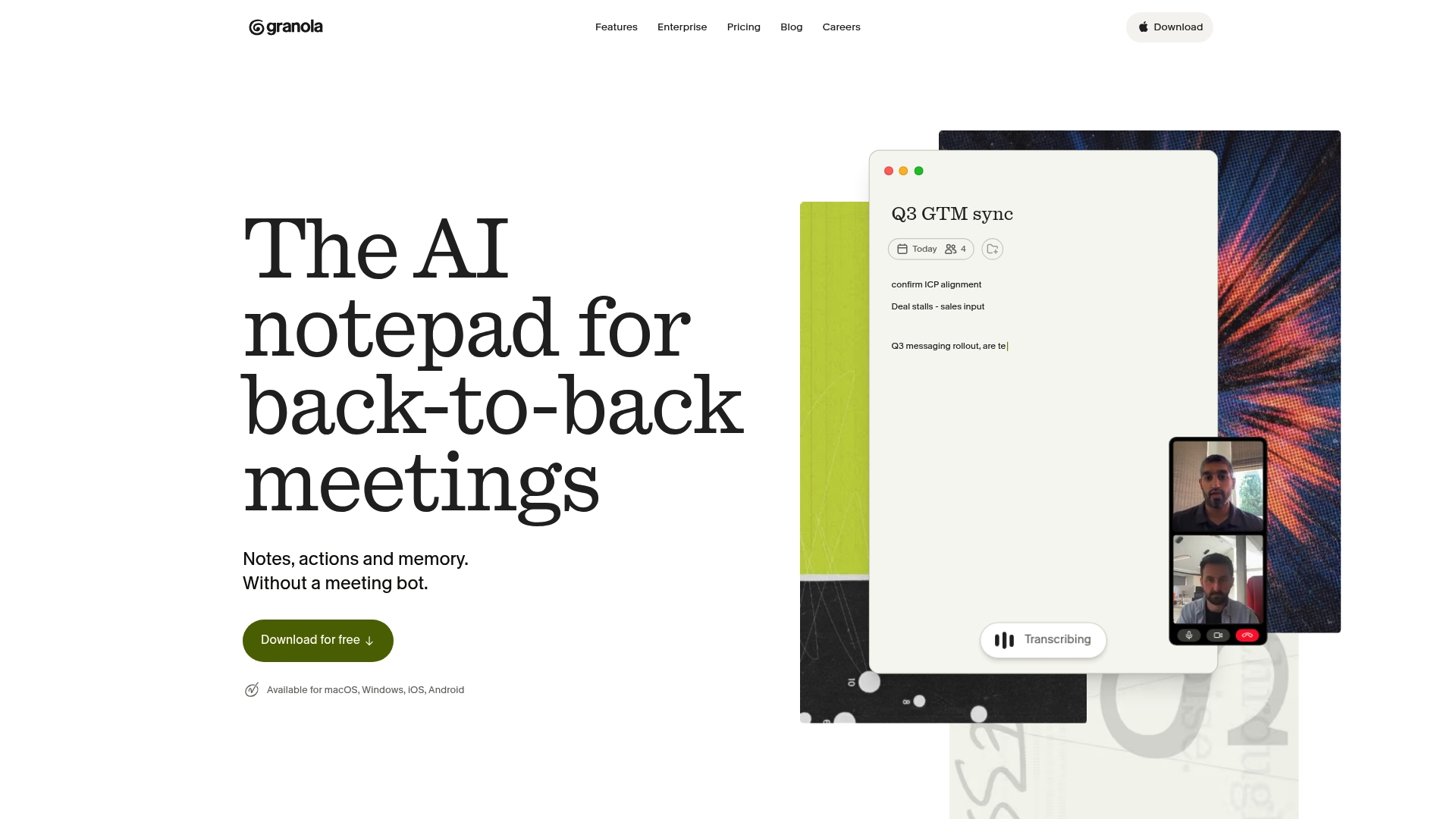
Granola transcribes meetings using computer audio so it does not join calls as a bot. It runs in the background across Zoom, Google Meet, Microsoft Teams, and in person sessions. Notes are private by default and can be shared or routed into AI models and CRMs for follow up.
Core Features
Granola captures audio from your computer to produce meeting transcripts and concise summaries without adding a call participant. It links calendar events for automatic recording, applies admin controls and encryption for privacy, and offers connectors to AI models and apps including OpenAI. The product emphasizes Background transcription and Calendar integration to reduce setup and manual uploads.
Key Differentiator
Granola uses local computer audio to capture meetings so it never needs to join as a bot. That approach reduces visible participants and keeps recordings private by default. Teams that prioritize compliance and reduced call disruption will find this capture model more respectful of meeting dynamics.
Pros
Granola adds context and structure to meeting notes without interrupting conversations by capturing audio in the background. Its default privacy settings and admin controls support compliance workflows, and the vendor mentions encryption and enterprise capabilities. Search across recorded meetings and automated post meeting summaries help teams find decisions and action items faster. Connectors to OpenAI, Claude, CRM tools, and collaboration apps let teams push notes into workflows for follow up. Integrations with Zoom, Google Meet, and Teams simplify adoption across standard meeting stacks.
Cons
- Pricing tiers and enterprise feature details are not fully disclosed, which complicates procurement conversations.
- Some third party reviews say users want more integrations and automation options than currently offered.
- Large organizations may need SSO, data retention, and compliance alignment, which can add setup complexity.
When It May Not Fit
If your procurement requires fully detailed enterprise feature lists before evaluation, Granola may feel underdocumented. Organizations seeking an extremely wide set of prebuilt automations may find the current connectors limiting. Large IT teams should plan for SSO and retention policy alignment during rollout to avoid delays.
Notable Integrations
Granola connects with Zoom, Google Meet, Microsoft Teams, and Slack for capture and sharing. CRMs like HubSpot, Attio, and Salesforce work via Zapier, and AI connectors include OpenAI and Claude for post meeting analysis and automation.
Who It's For
Granola fits teams that need private, automated meeting notes across sales, product, and enterprise functions. It suits professionals who want transcripts without adding a call bot and who value default privacy. Security and admin controls make it appropriate for organizations with compliance needs.
Real World Use Case
A sales team runs Granola during discovery calls to capture transcripts and action items automatically. Those notes sync to CRM records and give reps immediate context for follow up and deal progression. The system reduces manual note taking and centralizes meeting knowledge.
Pricing
Granola offers a free plan, with premium tiers starting at $14 per user/month for Business and $35 for Enterprise. Additional enterprise features are included in the higher tier. Specific enterprise pricing and volume discounts are not fully disclosed.
Website: https://granola.so
Comparison of alternatives
Choosing the right automated note-taking solution requires balancing structured output capabilities and integration needs. Each option—VoiceMint, Otter.ai, and Granola—offers unique benefits, addressing diverse user scenarios while catering to specific workflows.
Structured output and accessibility variations
VoiceMint distinguishes itself by automatically converting both audio and text inputs into structured, ready-to-use documents formatted with headings, bullet points, and summaries. This contrasts with Otter.ai's focus on integrating meeting transcription with task management and workflow automation tools, which suits collaborative environments. On the other hand, Granola excels with its ability to discreetly capture computer audio without joining calls as a visible participant, emphasizing privacy and operation during meetings.
Integration and workflow support contrasts
Regarding workflow integration, Otter.ai demonstrates significant strength through its native compatibility with popular platforms like Zoom, Slack, and Salesforce. This broad reach, paired with its capacity for task generation, makes it suitable for organizations heavily reliant on external software ecosystems. Granola emphasizes privacy by implementing default settings rooted in encryption and administrative control, alongside compliance-tailored functionalities. VoiceMint appeals to users requiring immediate access to structured materials without necessitating integration into secondary workflows.
Best fit
- Users prioritizing instant creation of formatted documents from lectures, interviews, or brainstorming sessions will find VoiceMint well-equipped for their needs.
- Teams reliant on collaborative workflows and task automation through platforms like CRM systems and project management tools may prefer Otter.ai's integration capabilities.
- Those emphasizing discreet audio capture with stringent privacy settings should consider employing Granola as their primary recording solution.
Our pick
VoiceMint excels in converting raw audio and text inputs into professionally formatted study materials and summaries for immediate use. This distinctive mechanism provides notable advantages for students and professionals requiring fast-paced documentation with minimal editing overhead. While users seeking integrated collaborative workflows might consider alternatives like Otter.ai or Granola, VoiceMint remains the foremost choice for streamlined documentation workflows.
Compare these platforms based on their ability to produce automated, structured output suited to user needs.
| Product | Core Feature | Key Differentiator | Best For | Pricing | Notable Limitation |
|---|---|---|---|---|---|
| Voicemint | Audio and text input conversion into documents | Structured, downloadable document creation using AI | Students and professionals preparing documents | Free and paid tiers | Free plan limits documents and features |
| Otter.ai | Multilingual live transcription | Speaker recognition and workflow integration | Teams handling meeting notes and follow-ups | Free and paid tiers | Advanced features require paid plans |
| Granola | Background meeting transcription | Local audio recording without call bot inclusion | Teams prioritizing private and automated notes | Starts at $14/user/month | Limited integration options and feature transparency |
How To Address Common Pain Points When Choosing Between Otter and Granola
The article highlights challenges such as managing manual note formatting, balancing privacy with transcription needs, and controlling workflow complexity. Busy students and professionals often want to avoid extra editing after transcription and need clear, structured documents ready for study or reports. Voicemint directly answers these pain points by converting voice and text inputs into well-organized documents instantly. It eliminates the bottleneck of manual formatting and keeps privacy a priority with instant downloadable, ready-to-use study notes.
Voicemint suits students recording lectures and professionals preparing detailed material without the hassle of editing transcripts. It offers multiple subscription tiers to fit light or heavy usage. Visit Voicemint to see how simple it is to turn raw notes into structured documents. Get started now to easily generate clear study guides or presentation files without extra steps.
FAQ
How does Voicemint automate document creation?
Voicemint generates structured documents from audio or text inputs without manual formatting. It identifies key concepts and organizes them into headings and bullet points for immediate download. This feature allows users to create study guides or reports quickly, saving valuable time in documentation processes.
What is the difference between Otter.ai and Voicemint?
Otter.ai excels in multilingual live transcription and speaker recognition for dynamic meetings. Voicemint, on the other hand, is ideal for creating structured study documents from recordings or text, making it more suited for users focused on generating educational material without manual editing.
Which platform offers better privacy features?
Voicemint emphasizes user privacy and data security by providing instant downloadable outputs with strong privacy settings. This focus is beneficial for students and professionals who prioritize confidentiality in their notes and documents.
Can I use Granola for automated note-taking like Voicemint?
Granola captures audio from meetings without joining as a bot, which is excellent for private settings. Voicemint can also organize recordings into structured documents, making it better for users needing formatted outputs for presentations or study purposes.
How does Voicemint's pricing compare to other options?
Voicemint offers a free plan with limited capabilities, while paid tiers unlock more advanced features suitable for frequent users. Organizations producing many documents may find Voicemint’s pricing model more adaptable compared to competitors with higher initial costs.