

AI notes from PDF documents are automated, structured study materials generated by language models directly from uploaded PDF files. The process converts dense academic papers, textbooks, and professional reports into organized summaries, flashcards, and quizzes in seconds. Optical character recognition (OCR) extends this capability to scanned documents, not just digital text files. Voicemint and similar productivity platforms have made this workflow accessible to students and professionals who need organized notes without spending hours on manual formatting.
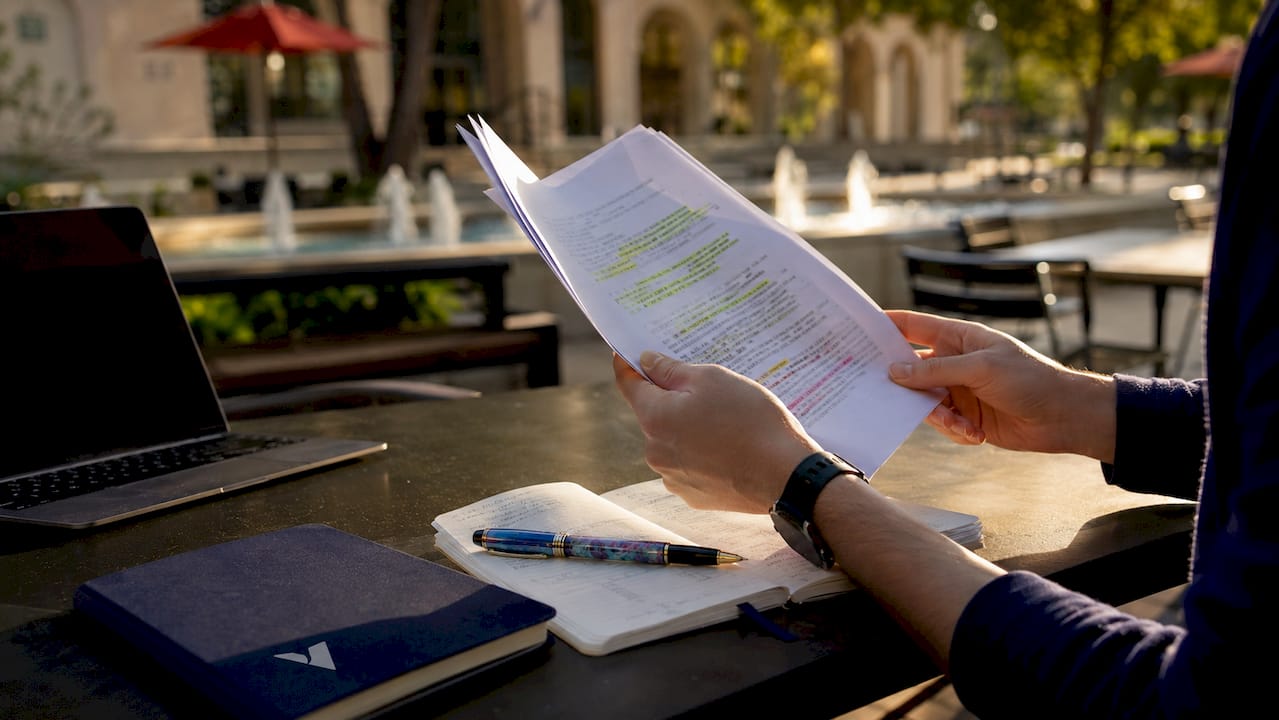
How does AI note-taking from PDFs work?
The core workflow behind AI note extraction follows a clear sequence. Understanding each step helps you get better results from any tool you use.
-
Upload your PDF. Most tools accept both text-based and scanned PDFs. Scanned files go through OCR first, which converts image-based text into machine-readable characters before the language model processes it.
-
Set your output format. You tell the AI what you need: a summary, flashcards, a mind map, or an exam-focused study guide. Specifying output context like "executive summary" versus "exam-focused study guide" directly improves result quality. Generic requests produce generic results.
-
Let the model process. The language model reads the full document, identifies key concepts, and structures the content. Generation happens in seconds, with output available in formats including Markdown, PDF, PNG, and SVG. That speed is the core value proposition for anyone working under deadline pressure.
-
Review and iterate. Most platforms support multi-turn chat, meaning you can ask follow-up questions or request a different level of detail. Iterative review loops with automated quality scoring help catch errors before you rely on the notes for study or presentation.
-
Verify against the source. Cross-reference the AI output with the original PDF, especially for technical or instructor-specific content. Page citation references, sometimes called page chips, link each note or quiz answer back to the exact page in the source document.
Pro Tip: When uploading a research paper, specify the section you want focused on, such as "methodology only" or "results and conclusions." This produces tighter, more useful notes than processing the full document with a vague prompt.
What features do AI PDF note-taking tools typically offer?
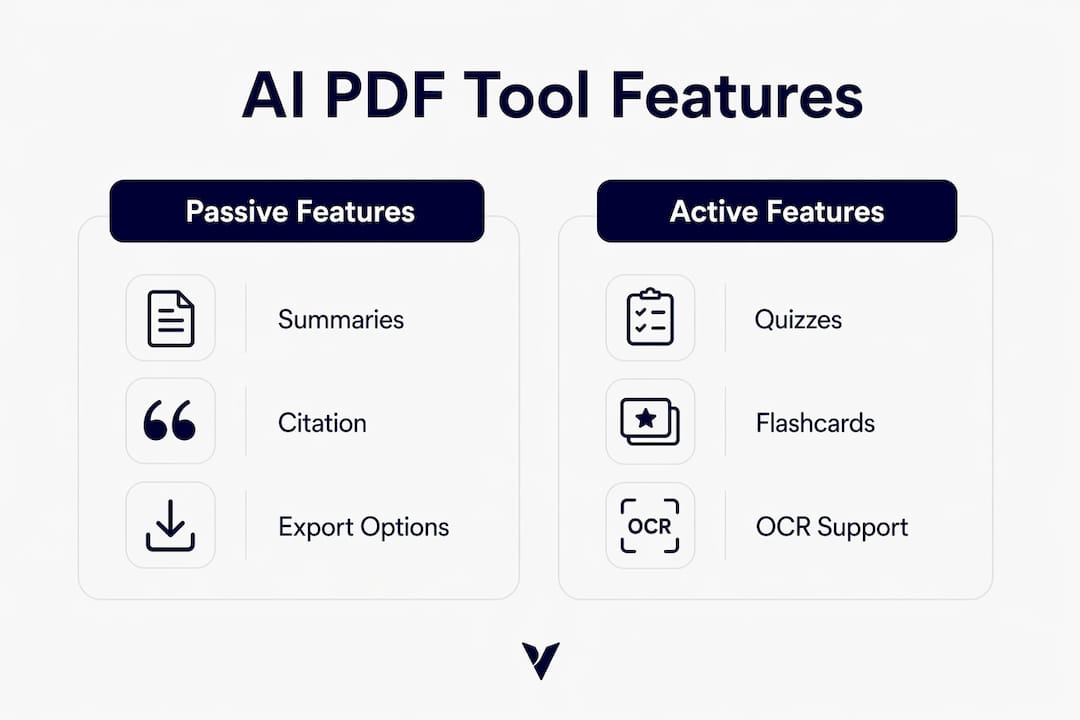
The feature set across AI PDF note-taking tools has expanded well beyond basic summarization. Here is what you can expect from a capable platform:
- Structured notes with headings, bullet points, and section summaries that mirror the document's original organization
- Flashcard generation that pulls key terms and definitions directly from the PDF, ready for spaced repetition study
- Quiz question creation covering multiple choice, true/false, and short answer formats for exam preparation
- Mind maps that visualize relationships between concepts, useful for complex academic subjects
- Multiple detail levels so you can request a one-paragraph overview or a full chapter breakdown from the same document
- Export options including Markdown for free tiers and formats like Anki decks, Google Forms, and DOCX files on paid plans
- Cloud document history that stores your processed files for later retrieval or re-prompting
The active recall features like quizzes and flashcards are the most educationally significant. Passive summarization helps you review material, but active recall forces retrieval practice, which research consistently links to stronger long-term retention and exam readiness.
Page citation integration is a feature worth prioritizing when you evaluate any tool. Page chips link notes and quiz answers directly to the original PDF page, so you can verify any claim in seconds rather than hunting through a 200-page document manually.
What are the pricing models and limits for AI PDF note generation?
Most AI PDF note-taking tools use a freemium model. The free tier gives you enough to test the tool but not enough for serious academic or professional use.
Free previews typically cap at 10 pages or 5 MB per document. That limit excludes most textbook chapters and full research papers. Entry-level paid plans start around $7 per month and unlock longer documents, higher monthly quotas of 100 or more documents, and additional export formats.
| Feature | Free tier | Entry-level paid |
|---|---|---|
| Document length | Up to 10 pages or 5 MB | Full documents |
| Monthly document quota | Limited | 100+ documents |
| OCR for scanned PDFs | Often excluded | Included |
| Export formats | Markdown only | Anki, DOCX, Google Forms |
| Cloud history | Limited or none | Full access |
OCR support is the most important paid feature for students working with scanned lecture slides or older academic papers. Without it, the tool cannot read image-based text at all.
Pro Tip: Before committing to a paid plan, upload a representative sample of the PDFs you actually use. A tool that handles clean digital PDFs well may still struggle with your scanned biology textbook. Test with your real documents, not the vendor's demo files.
How can you maximize accuracy with AI notes from PDFs?
Accuracy is the biggest practical concern with AI-generated notes. The technology is fast, but it is not infallible.
- Always compare AI notes against the source PDF. AI functions as an efficiency assistant, not a final source of truth. Instructor-specific interpretations and technical nuances often get flattened or missed entirely.
- Use detailed prompts. Vague instructions produce vague notes. Specifying the document type, your study goal, and the desired format gives the language model the context it needs to produce targeted output.
- Prioritize active recall outputs. Flashcards and quizzes do more for exam preparation than summaries alone. Request both when you process a new document.
- Watch for layout-related errors. AI tools struggle with multi-column layouts, LaTeX formulas, and embedded tables. Layout-aware extraction technologies like MinerU preserve these elements accurately, but not every platform uses them.
- Cross-reference page citations. When a note or quiz answer includes a page reference, check it. This habit catches hallucinations before they become study errors.
"AI should be seen as an efficiency assistant rather than a final source of truth. Users must compare generated notes with original materials to catch instructor-specific or technical details that the model may miss or misrepresent."
Complex academic PDFs present the sharpest challenge. A physics paper with embedded LaTeX equations or a legal document with footnote-heavy formatting will expose the limits of any tool that lacks layout-aware extraction. If your workflow regularly involves these document types, confirm that the platform you choose handles them before you rely on its output for high-stakes work.
The most effective study workflow combines AI speed with human judgment. Use the tool to generate a first draft of your notes, then spend 10–15 minutes reviewing the output against the original. That combination is faster than manual note-taking and more reliable than trusting AI output without review.
Key Takeaways
AI notes from PDF documents save significant time, but accuracy depends on the quality of your prompts, the tool's layout-handling capability, and your own verification habits.
| Point | Details |
|---|---|
| Prompt specificity matters | Specifying output type and study focus produces better notes than generic requests. |
| Active recall beats passive summaries | Flashcards and quizzes improve retention more than summaries alone. |
| Free tiers have real limits | Most free plans cap at 10 pages or 5 MB, excluding most academic documents. |
| Layout-aware extraction is critical | Tools without it garble LaTeX formulas, tables, and multi-column text. |
| Human review is non-negotiable | Always cross-reference AI notes with the source PDF to catch errors and omissions. |
What I've learned from watching AI PDF tools in practice
The gap between what AI PDF note tools promise and what they deliver in real academic settings is narrower than critics claim, but wider than vendors admit. The tools genuinely save time on straightforward documents. A clean, well-structured PDF becomes a usable set of notes in under a minute. That is a real productivity gain for any student or professional managing a heavy reading load.
Where I see people go wrong is treating the output as finished work. A language model reading a 60-page economics paper will miss the professor's emphasis, the footnotes that contradict the main argument, and the specific framing your instructor expects on an exam. The AI does not know your course. You do.
The tools that impress me most are the ones that build verification into the workflow rather than treating it as an afterthought. Page citation references are the clearest example. When every note links back to a specific page, you are encouraged to check rather than just accept. That design choice matters more than any headline feature.
My practical advice: use AI note extraction for the first pass, then annotate the output with your own observations. The combination of machine speed and human judgment produces study materials that neither could create alone.
— andrea
Voicemint and smarter note-taking workflows
Voicemint takes a different angle on the same productivity problem. While AI PDF tools convert documents into notes, Voicemint converts your spoken words into organized, structured documents in seconds.
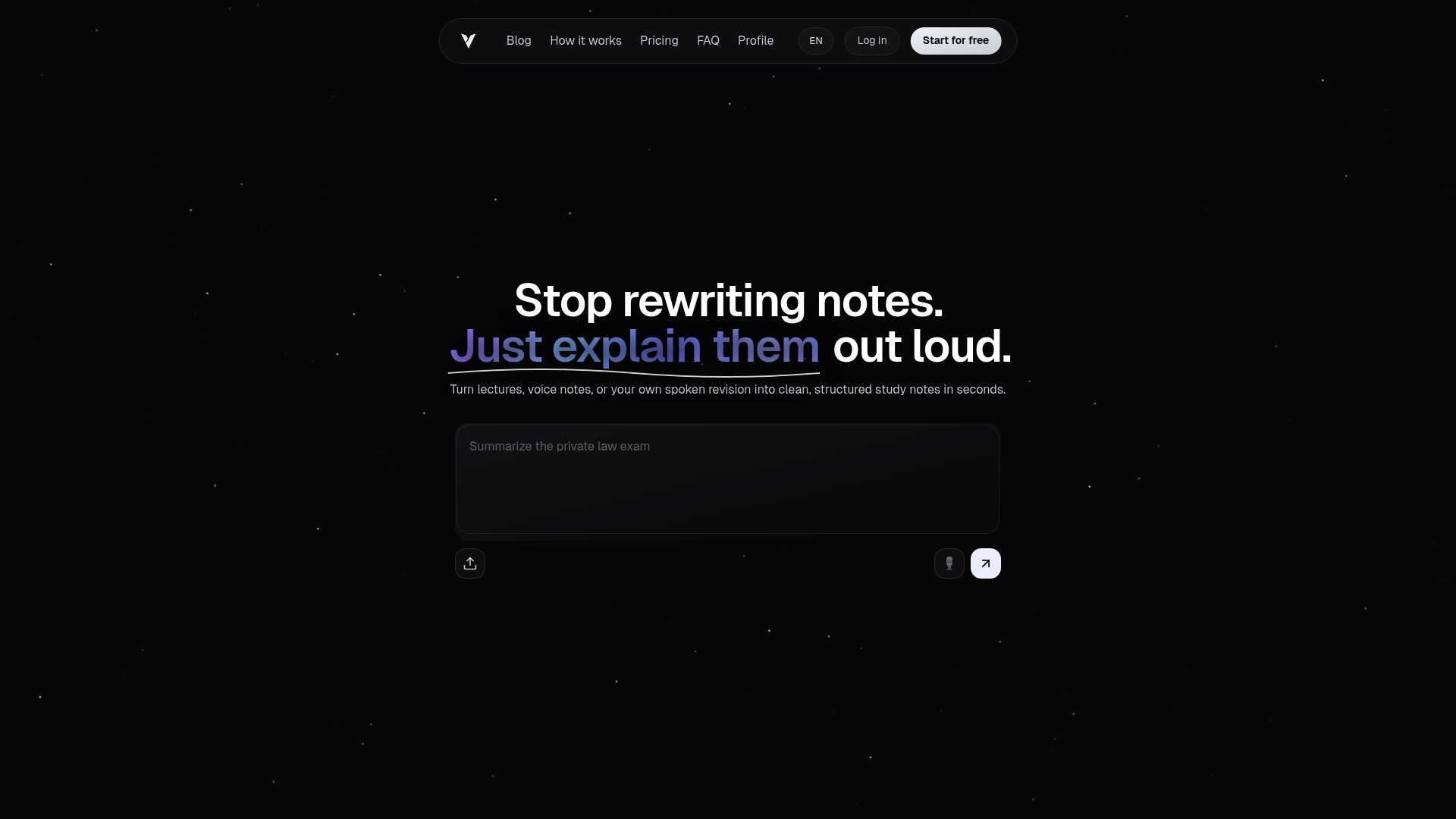
If you record lectures, dictate meeting summaries, or talk through ideas before writing them up, Voicemint processes that audio and delivers a formatted document with headings and bullet points ready to use. You can also paste existing text notes and let the platform restructure them. For students and professionals who already work with AI-generated PDF notes, Voicemint fills the gap that document tools leave: capturing the spoken context that never makes it into the PDF. Visit Voicemint to see how voice-to-document conversion fits into your study or presentation workflow.
FAQ
What is AI note-taking from PDFs?
AI note-taking from PDFs is the automated process of using a language model to extract and organize content from a PDF into structured notes, summaries, flashcards, or quizzes. The output is generated in seconds and can be exported in multiple formats.
Can AI tools read scanned PDFs?
Yes, most paid plans include OCR technology that converts scanned image-based PDFs into machine-readable text before processing. Free tiers often exclude OCR support.
How accurate are AI-generated notes from PDFs?
Accuracy is high for clean, well-structured documents but drops with complex layouts, LaTeX formulas, or multi-column text. Always verify AI notes against the original source before using them for high-stakes study or work.
What export formats do AI PDF note tools support?
Common export formats include Markdown on free plans, and Anki decks, DOCX, Google Forms, PDF, PNG, and SVG on paid plans. Format availability varies by platform and subscription tier.
Are AI PDF note tools worth paying for?
Entry-level paid plans starting around $7 per month unlock full document processing, OCR, and advanced export formats. For students or professionals handling more than a few documents per week, the paid tier pays for itself in time saved.